 Slime
Free animated slime enemy sprites, 16x16 pixel art
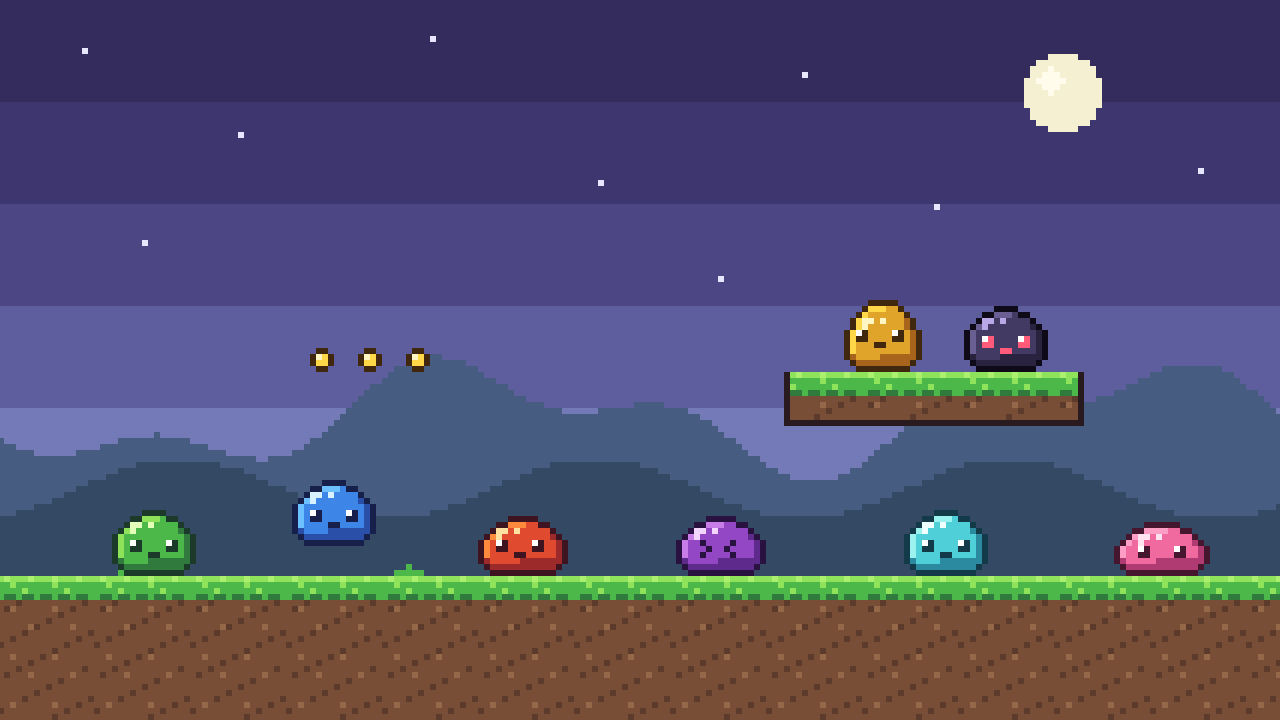
Animated Slime Enemies Pack is a free, pay-what-you-want set of 16x16 pixel-art slime enemies in 8 colours, each with idle, hop, hurt and death animations (136 frames). It ships as sprite strips and combined sheets with JSON frame data and palettes, ready for Godot 4, Unity, GameMaker and Phaser, and every colour shares the same frames so you can recolour it in one step.
Download free (ZIP, 62 KB)Make more colours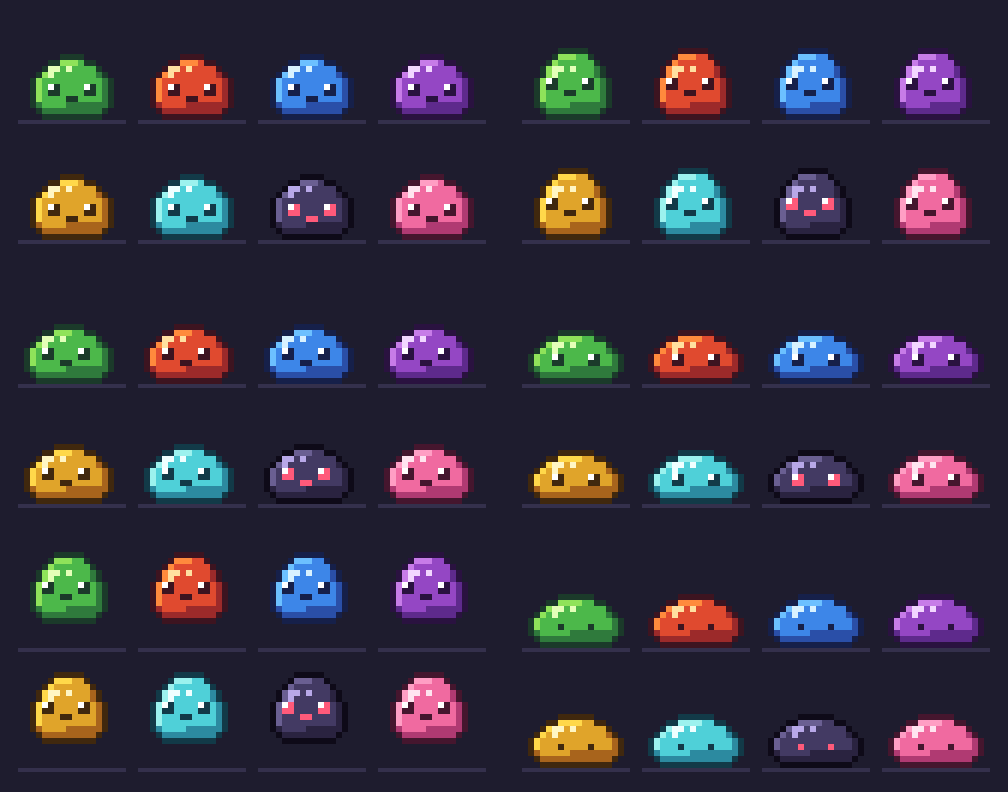
What's inside
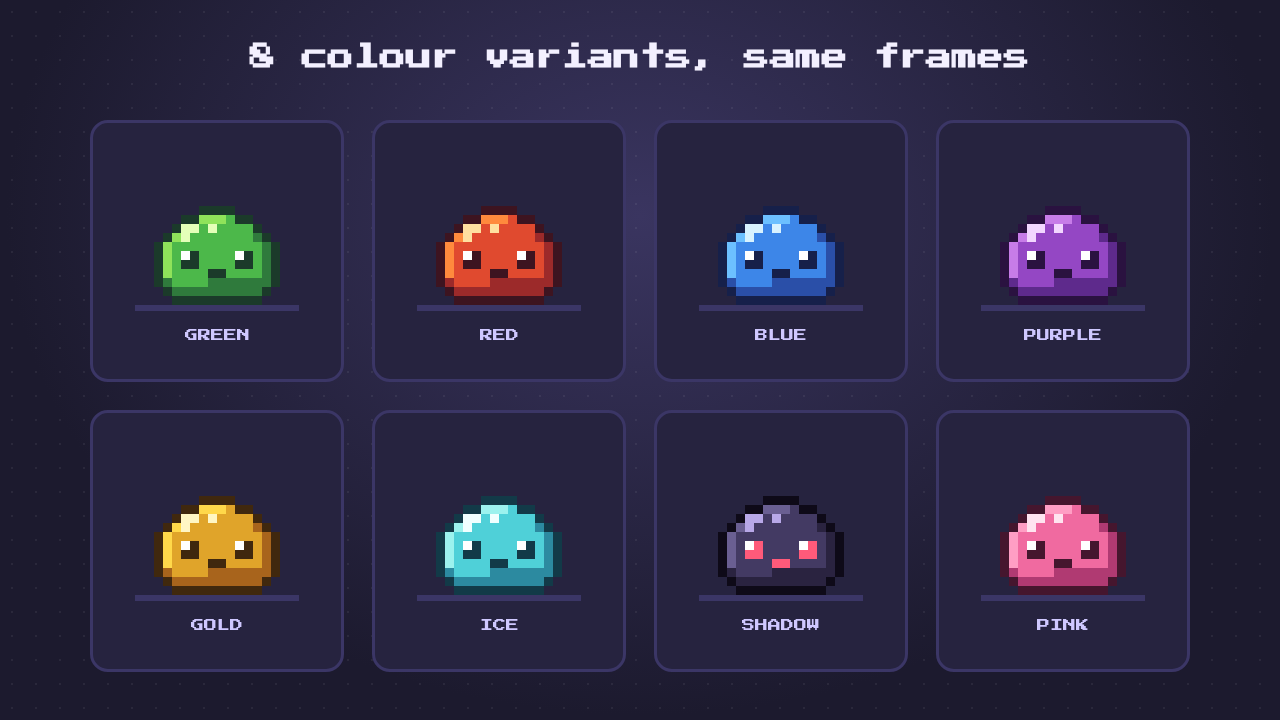
- 8 colours: green, red (fire), blue (water), purple (poison), gold, ice, shadow (glowing eyes), pink
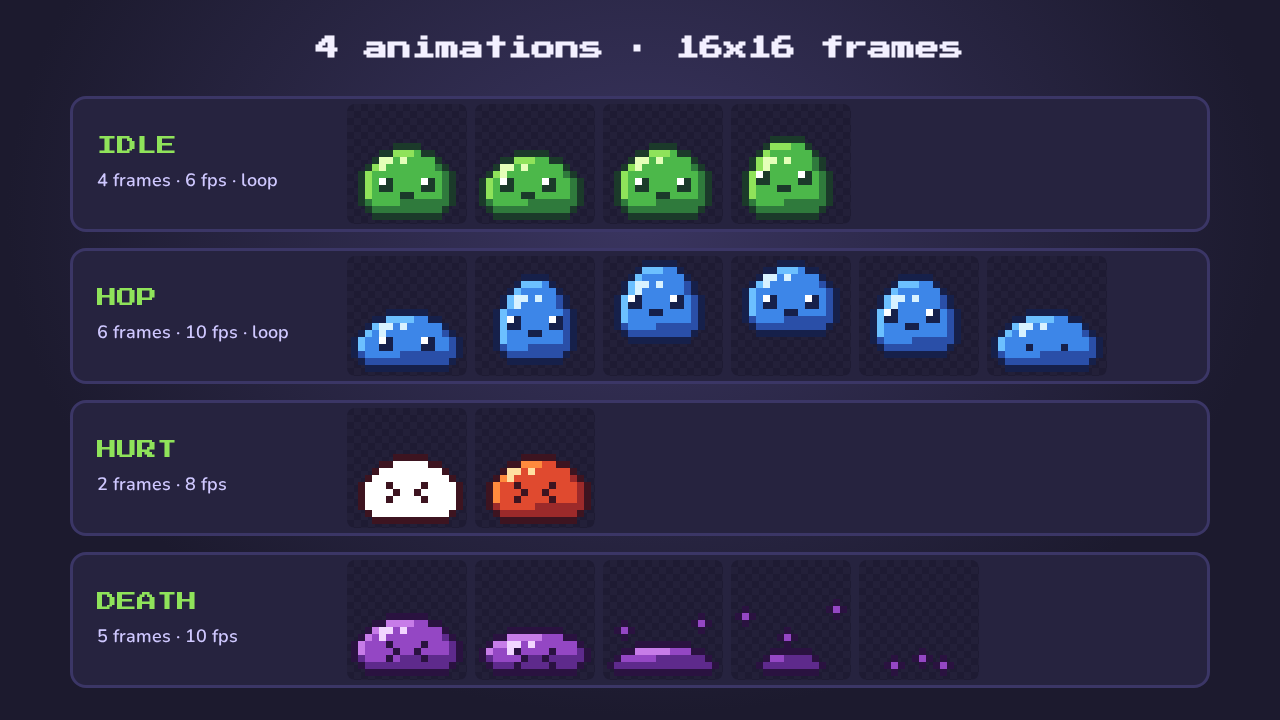
- 4 animations: idle (4 frames, 6 fps), hop (6 frames, 10 fps), hurt (2 frames, white flash), death (5 frames, splat and droplets)
- 32 horizontal strips + 8 combined 96x64 sheets, a JSON file per sheet (frame size, count, fps, loop)
- Palettes:
palette.gpl(Aseprite, GIMP, Krita) andpalette.hex, 5-tone ramp per colour - Godot 4 import note and README for Unity, GameMaker and Phaser 3
Need a lava, toxic or boss slime?
All colours use a 5-tone ramp on identical frames, so a new variant is a single palette swap. Use the free Palette Swapper in your browser, or read the guide How to make palette swaps of pixel-art sprites for Aseprite, Krita, GIMP and a Godot shader. If you work with an AI coding agent, Palette Swapper MCP can generate and pack the variants for you.
Questions
Can I use these slimes in a commercial game?
Yes. You can use them in commercial and non-commercial games, game jams and videos, and modify them freely. You may not resell or redistribute the asset files themselves or include them in another asset pack. Credit is appreciated, not required.
What size are the sprites?
Every frame is 16x16 pixels with a transparent background and hard pixels (no anti-aliasing). Scale them by whole numbers (x2, x3, x4) with nearest-neighbour filtering.
How do I use the sprite sheets in Godot 4?
Add an AnimatedSprite2D, create a SpriteFrames resource, click "Add frames from sprite sheet", pick a strip and set Horizontal to the frame count and Vertical to 1. Set texture filter to Nearest. The JSON next to each sheet gives the suggested fps.
How do I import them in Unity?
Set Sprite Mode to Multiple, Pixels Per Unit 16, Filter Mode Point and Compression None, then slice by Grid by Cell Size 16x16 in the Sprite Editor.
Can I make more colours?
Yes. Every colour uses the same frames and a 5-tone ramp, so a new colour is a single palette swap. The free Palette Swapper browser tool does it in a few clicks.
Is it really free?
Yes, the download is free. It is pay what you want on itch.io with a suggested tip of $3 if it saves you time.